The order instructions identify the supported scanner and whether the customer supplies, borrows or receives the hardware.
Dedicated colour readings
Scanner Match Touch-Up Kit
Use readings from the supported StuccoKit scanner workflow. Dedicated measurements reduce the colour shifts introduced by phone cameras, changing daylight and screen settings.
Starting at · CADCA$199.00
The exact supported device, reading format and any scanner hardware terms are confirmed before payment. Do not purchase a third-party device based only on a concept image.
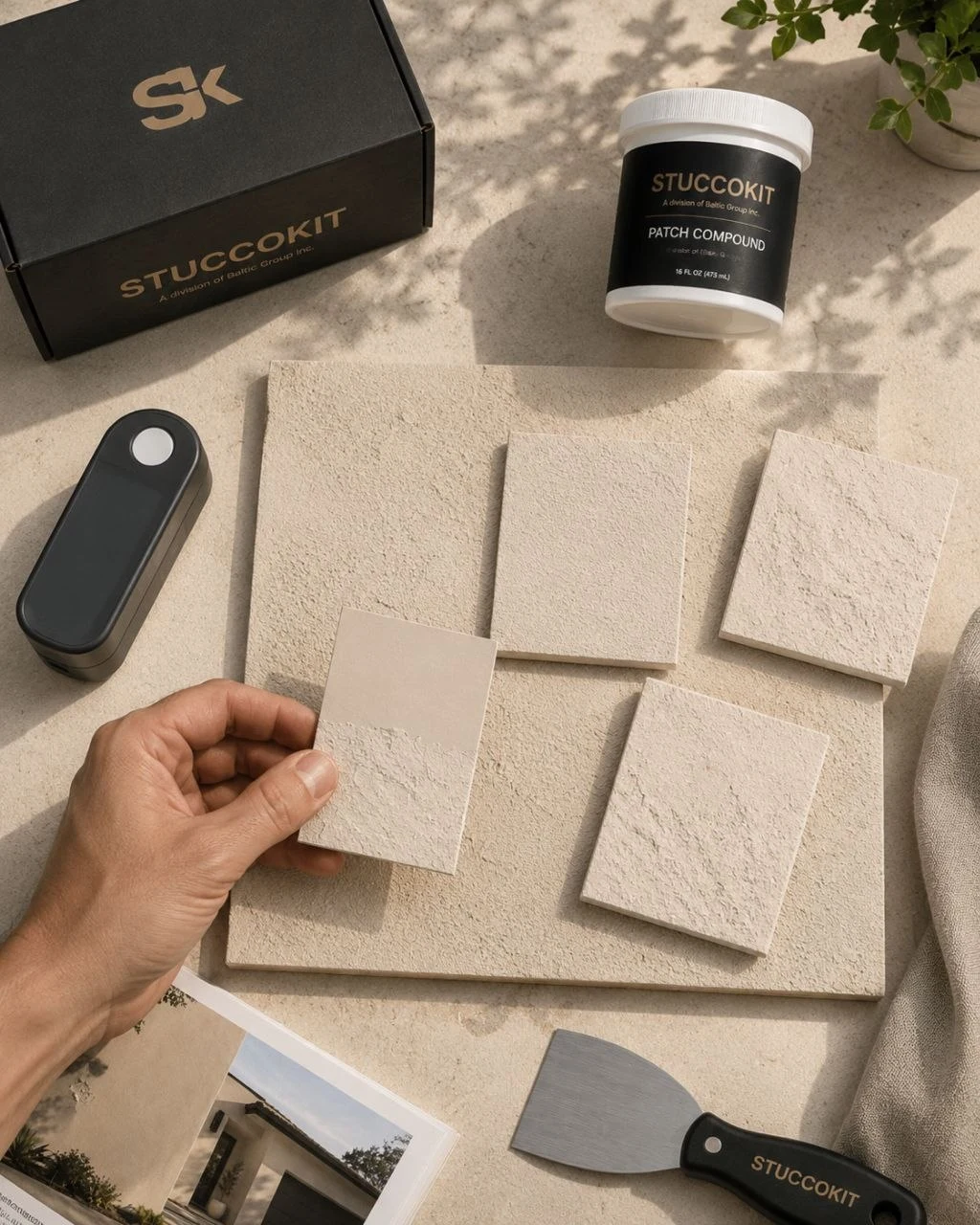
Standardized workflow
Measure the wall consistently.
Read representative, dry areas away from obvious dirt, deep shadows, sealant, metal and previous repairs.
Submit the required number of readings and device output exactly as shown in the workflow.
Scanner values describe colour data. Close-up photos still help confirm fine, medium or coarse texture.
01
Complete the assessment
Enter the visible dimensions, texture and contact details, then upload the wide and close-up photos.
02
Submit readings
Add the approved scanner values in the secure customer portal. StuccoKit may request repeat readings when they conflict.
03
Approve and pay
The final material, hardware terms, shipping, tax and price are confirmed before the payment link is issued.
What the starting price covers
A reviewed digital matching path.
The starting price covers the scanner-based colour review and the configured cosmetic touch-up kit. Scanner purchase, rental, deposit, replacement cost, return shipping or special handling are shown separately when applicable.

Scanner limitations
A scanner does not measure texture, sheen, dirt, weathering or the visual effect of aggregate. Readings can also be distorted by an uneven surface or poor contact. StuccoKit reviews the data but does not promise an invisible repair. All configured kits are final sale.